Importing and Buying Goods from China (A step-by-step guide)
Topic outline
-
-
Assalamulaikum...
Let's begin with the Introduction.
-
Course Content
- Exploring the websites/apps: AliBaba & 1688
- Registering AliBaba.com
- Registering 1688.com
- Communicating with sellers/suppliers in AliBaba
- Communicating with sellers/suppliers in 1688
- Introduction to “freight forwarder”: BlueWing
- Buying with AliBaba
- Buying with 1688
- Using BlueWing
- Once items have arrived
-
-
Briefly exploring the sites (AliBaba & 1688)
Exploring http://www.1688.com
Exploring http://www.AliBaba.com
-
-
-
Registering with AliBaba
-
Registering with 1688.com
- Do not register directly with 1688.com. It is complicated, as it is meant for Chinese sellers
- Register with http://Taobao.com instead.
- After registering with Taobao, you can use the same credentials to log in to 1688.com.
-
-
-
Communicating with sellers/suppliers on AliBaba.
-
Communicating with sellers/suppliers on 1688.com.
-
-
-
Understanding Freight Forwarding. We will be using BlueWing International Logistics.
Here is the official website for BlueWing: http://www.bwlg.net/
You can register directly on the website, but I recommend registering with the Malaysian agent (information provided below). I do not have any experience registering directly on the website; therefore, I am unsure what drawbacks there could be if you were to do so. Probably, nothing bad could happen, but it will be better to have someone (the Malaysian agent) that you could communicate with directly should you encounter any issues.
Here is the Malaysian agent website:
https://bluewinglogisticsmalaysia.com/This is Encik Nordin's (the BlueWing Malaysian agent) WhasApp link: https://api.whatsapp.com/send/?phone=60163120580&text=ShipingChinaMalaysia&app_absent=0
-
-
-
Ordering from AliBaba.
-
Setting up the Address for BlueWing on 1688 (a more difficult way).Watch the following video to find out an easier way to set up the warehouse address.
-
Purchasing from 1688 - Part 1- In this part, we will learn how to make a purchase using an intermediary (the Malaysian BlueWing Agent).
- There is also an easier way to enter the warehouse address on 1688.
-
Purchasing on 1688 - Part 2 - using Debit Card / Touch'n'Go.
I have just realised, while working on the video tutorial, that there are different ways Malaysians can make payments for purchases on 1688.com. I will be exploring them in this video.
-
Comparing Different Payment Methods.
In this video, I will compare the prices of different payment methods.
Using the BlueWing agent: they do not charge you extras for paying on behalf, but the exchange rate is up to them.
Using Visa: 3% charge
Using Touch'n'Go: 2% charge
There seems to be some issues with the audio of this video. I will try to repair this. I will provide you with the summary:- The total amount that I need to pay in Yuan: 698.40 YUAN
- The exchange [Google's] rate on 15/5/2025: RM415.62
- The rate that the agent charges to pay on behalf: RM439.25
- Visa: RM454.25
- Touch'n'Go: RM449.84
-
-
-
Calculating Shipping Cost
-
Creating Shipment
-
-
-
So, I created a shipment order for my items with BlueWing on 15/5/2025.
The items arrived at my house on 4/6/2025. This was not even a month. It's normal to wait 1 month, and sometimes it can take a few more days. We can always communicate with our freight forwarder to ask about our items.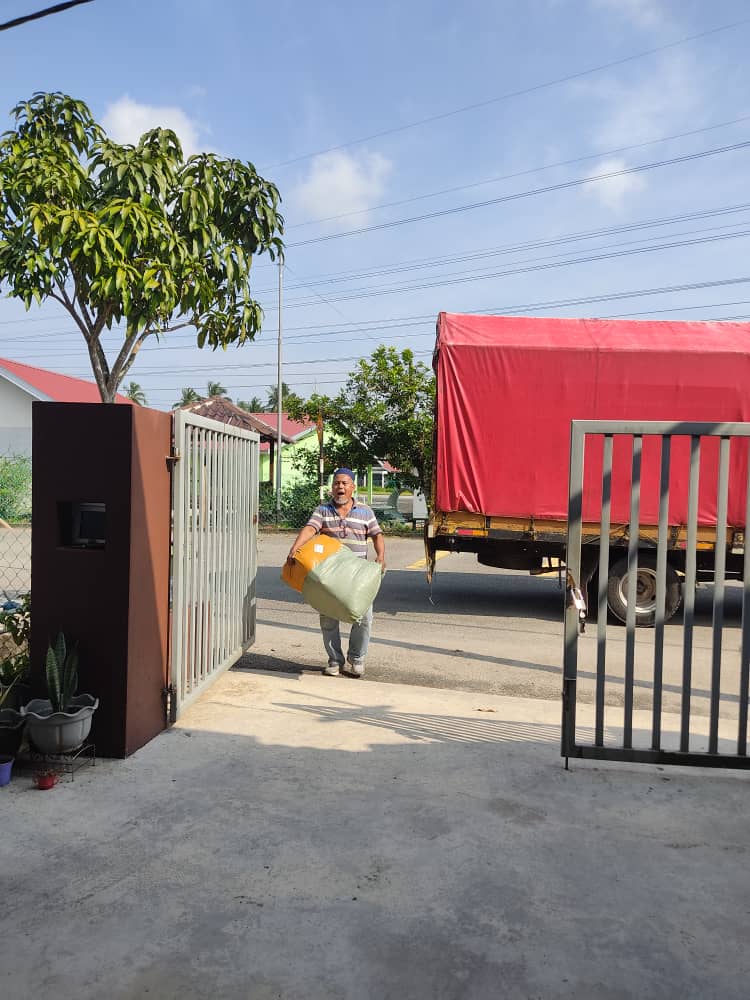
Once you have all your items do check everything. These are my items: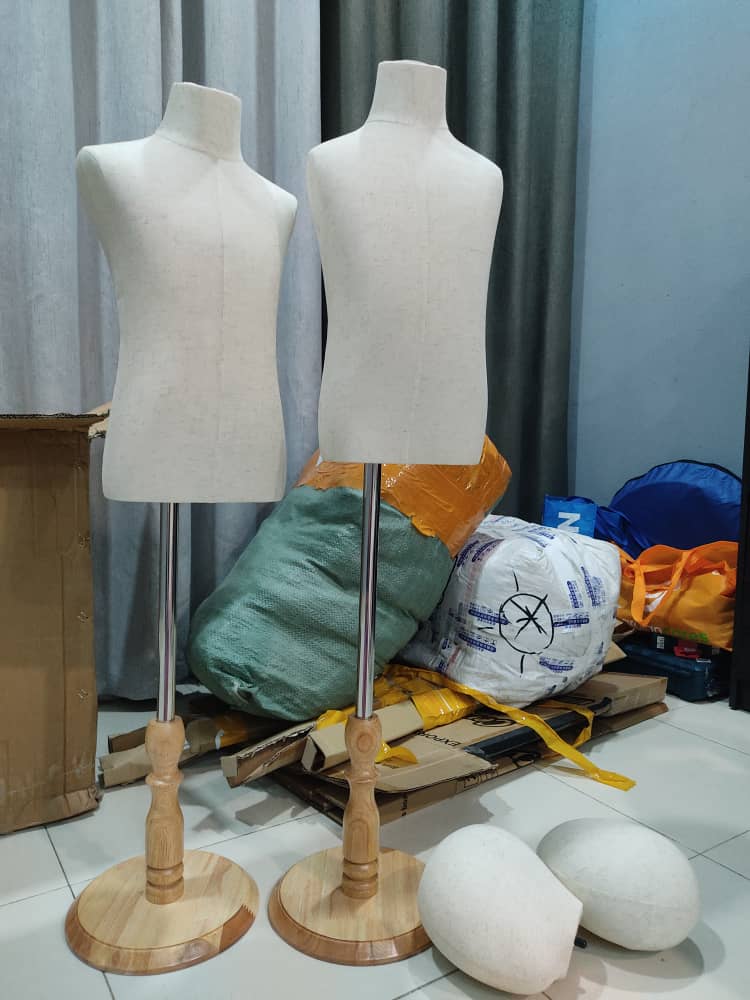
For this shipment, all of my items have arrived safely.
In the past, with other freight forwarders, some of my items went missing because of them. Their solution was to gather all of the items and weigh them back. I didn't receive a refund for that as the entire shipment was heavy, and the missing item was only a few grams. There was no point in my weighing everything back again.
Always check the list given by the freight forwarder that arrives at you with your shipment list.
Should you have any inquiries, you can ask in the forum.
Hopefully, everything goes well.
Assalamualaikum.
-